Setting up a Donation Waypoint
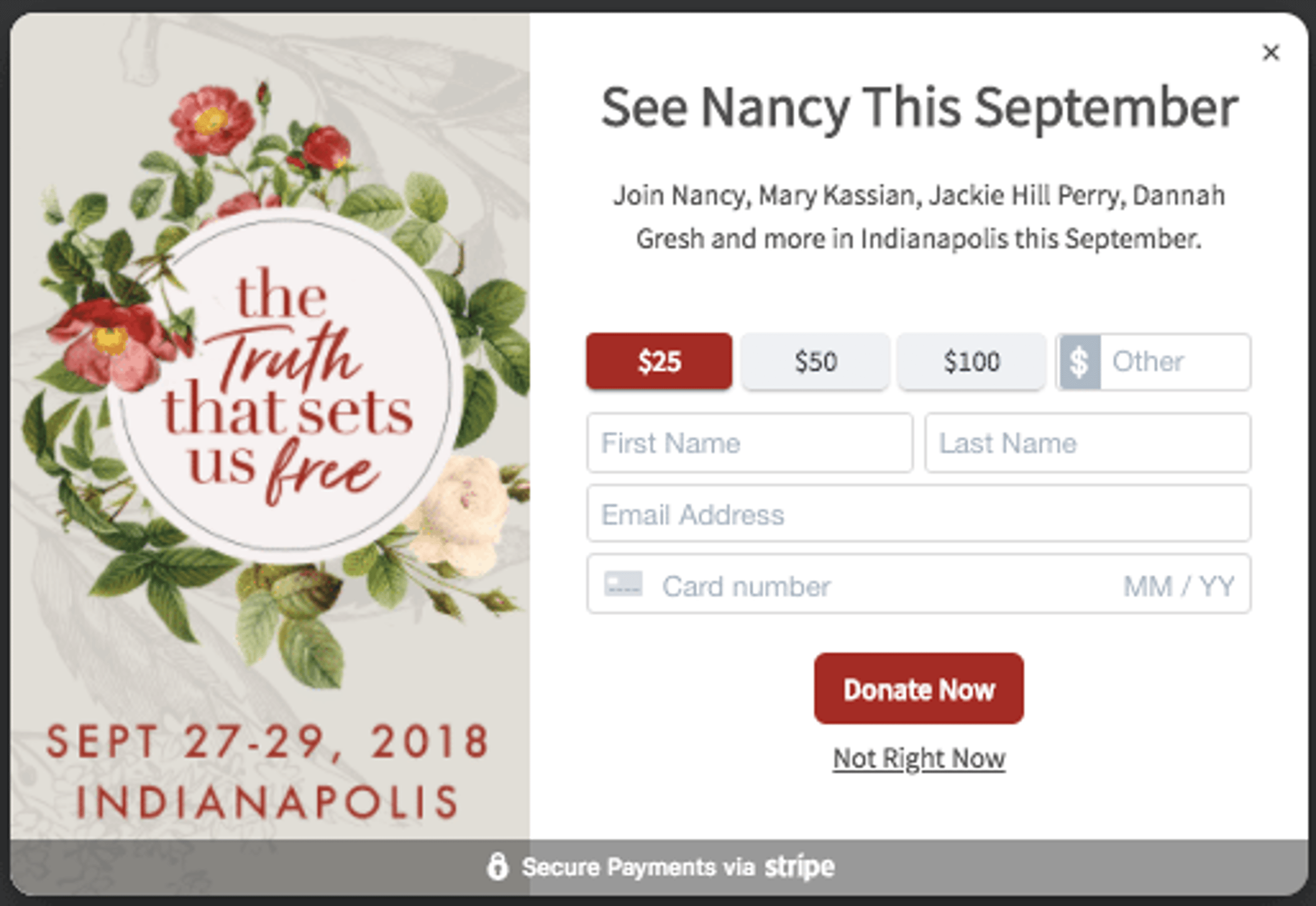
Introducing a powerful new feature of Journity… instant donations. Instant donations accept donations directly from a waypoint on your site, all while utilizing the full power of Journity’s personalization engine. If you are a ministry or nonprofit that receives donations, you can now take donations directly from any page, in an attractive and easy-to-use donation widget.
Why use a Donation Form in a Waypoint
You probably already have a donation form on your site. Often times donation forms are hidden behind a button or link. They are complicated, hard to find and/or need redesigned, and typically take users away from your content. With Journity (and the Stripe integration), you can now take payments without having your visitors leave the page.
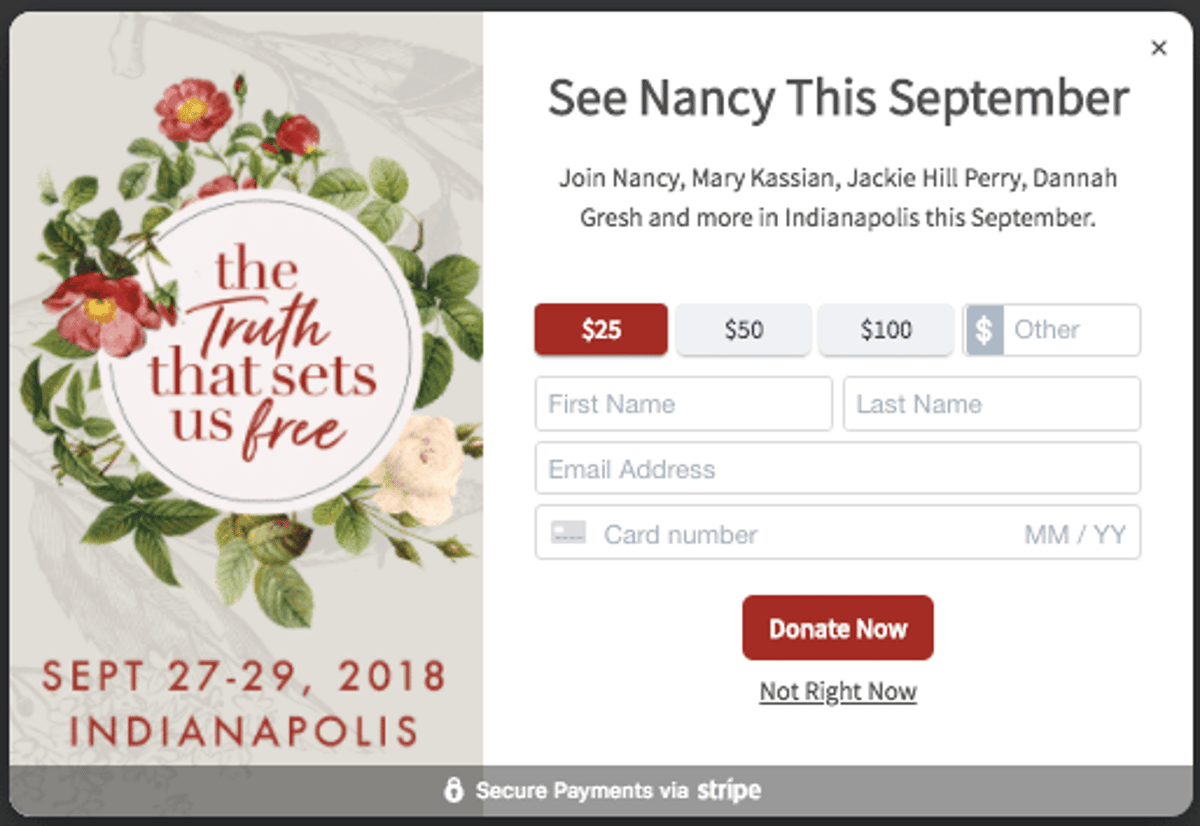
Perhaps you don’t have a donation form, or use an external provider. Journity provides a straightforward way to process donations directly from your site in a few simple steps.
One of the most powerful aspects in using a Journity donation form, is that you can customize the messaging for your site visitors. For example, for visitors interested in a specific project, you may tailor your message around that project, such as “Help our ministry provide clean water in Kenya”, while for others you could give a more generic message “Your gift of any amount make an impact.”
Set up a Donation Form
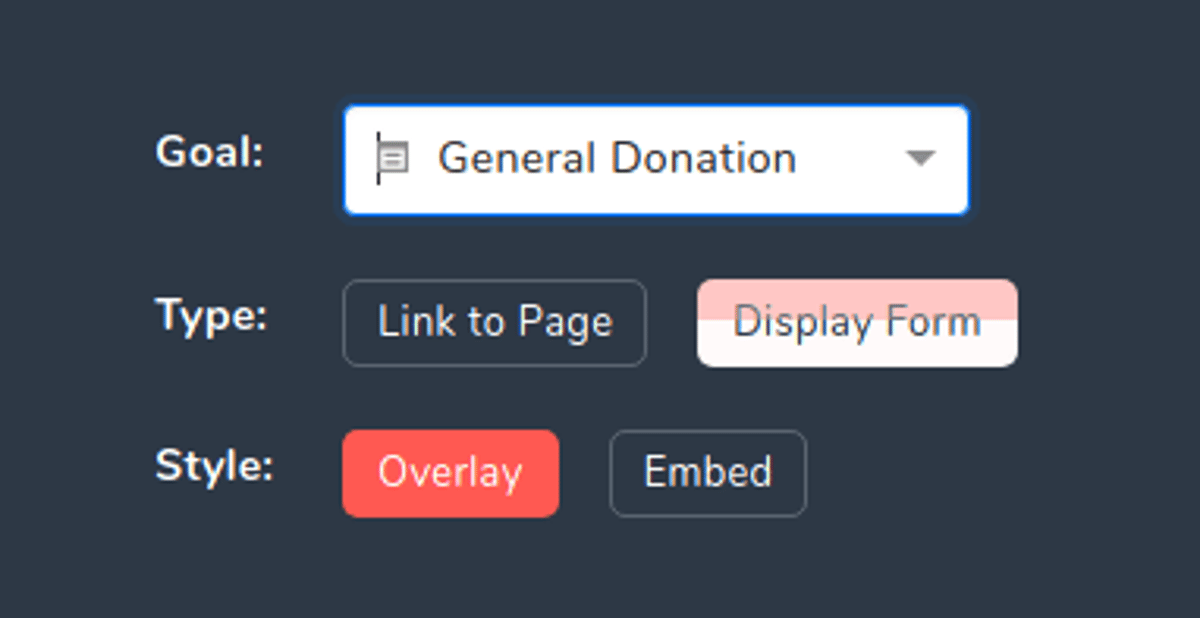
Donation forms work like any other waypoint or embed, except for one additional step. After clicking “Add a Waypoint”, and selecting an existing one or making a new one, in the “Goal” dropdown, choose “General Donation”. The page will automatically change to present options for a donation form.
Next, in the “Connect to Your Payment Gateway” widget, click the “Stripe” button.
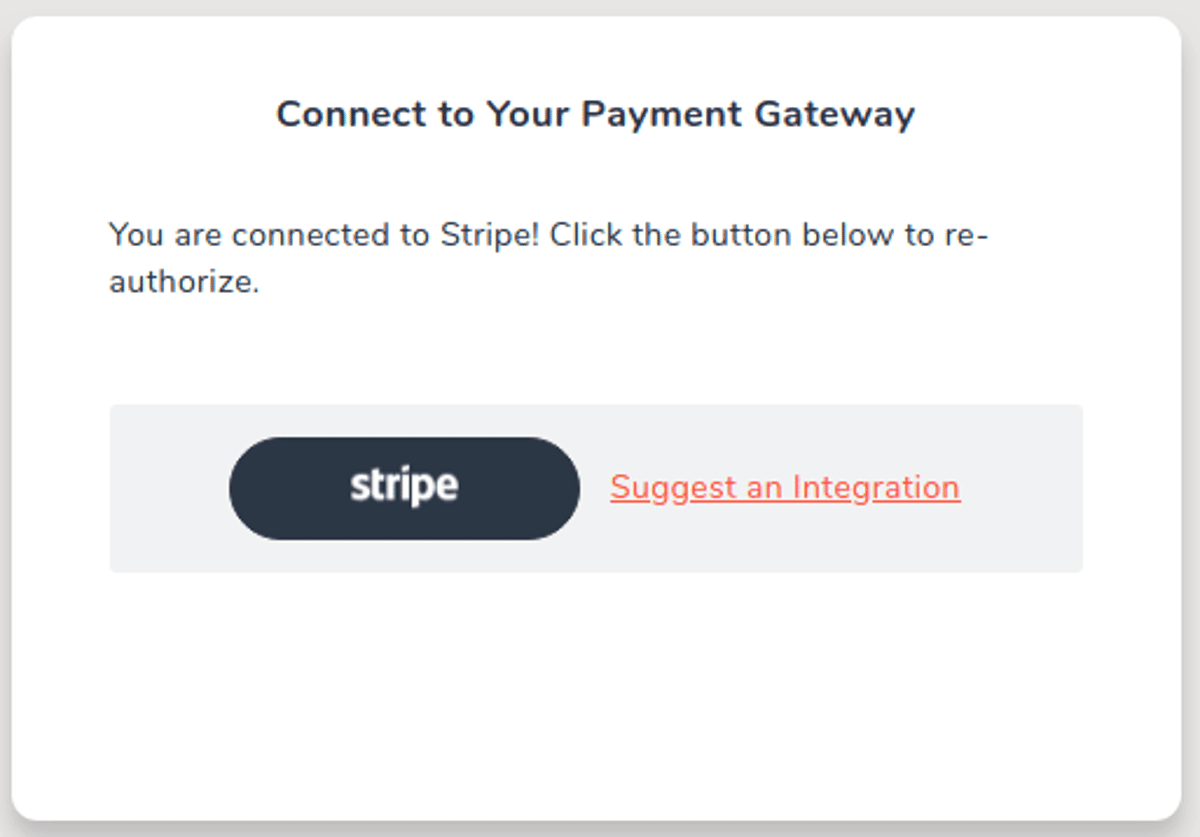
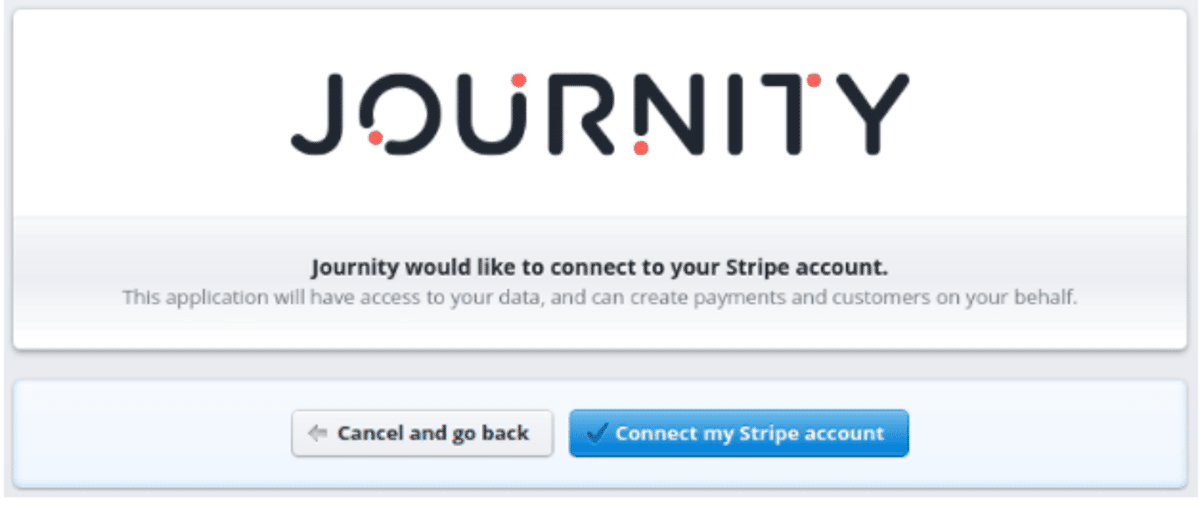
The button will take you to Stripe’s signup page where you can either log in or create an account. After completing either one, you will receive a window asking if you would like to connect to Journity using Stripe. Just click, “Connect my Stripe Account”, and you’ll be taken back to your waypoint.
After you are connected, continue building your waypoint just like normal, determine the audience and publish!
Common Questions
Question: Is this secure?
Answer: It’s completely secure. Stripe is one of the most popular payment processors on the internet. The user’s credit card information is never passed to Journity and goes directly to Stripe.
Question: Do I need to do anything special on my site?
Answer: One requirement of using Stripe is that your site be served over https, at least on the pages that a donation modal (aka “waypoint”) is appearing on. This is indicated by the lock indicator next to the URL. If you need assistance setting up your site for https, we’d love to help you get it setup.
Question: Will my users receive a receipt?
Answer: Stripe comes configured to send a receipt, which can be customized or disabled. Journity currently does not offer custom receipt templates, but you are able to connect Stripe to other systems using their API. One possible method is using Zapier (https://zapier.com/).
Question: What happens after users complete the donation?
Answer: They’ll be shown a “Thank You” message that you are able to customize in the Waypoint Editor. They can then dismiss the waypoint like normal.
Question: Can I use this with embeds?
Answer: Absolutely! Combining donation forms with embeds makes the experience seamless to your users, and in most cases wouldn’t know that it’s being processed through Journity.
If you have questions or if we can be of any assistance, we’d love to hear from you.